TREAT - Assessments
Viewing, Scoring, and Printing Completed Assessments
Viewing a Completed Assessment
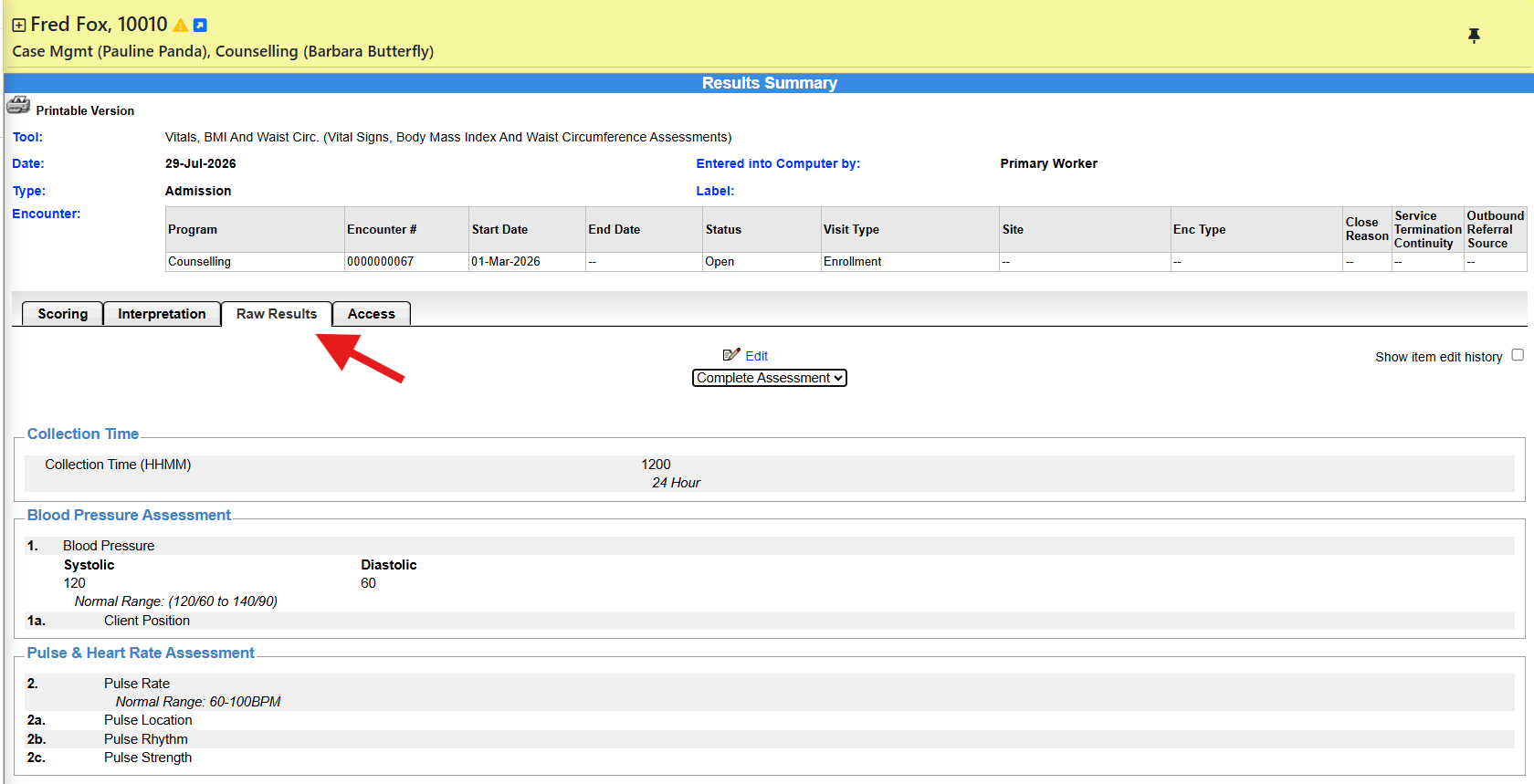
Completed assessment content displays on the Raw Results tab. You can view content from one tab or from all tabs.
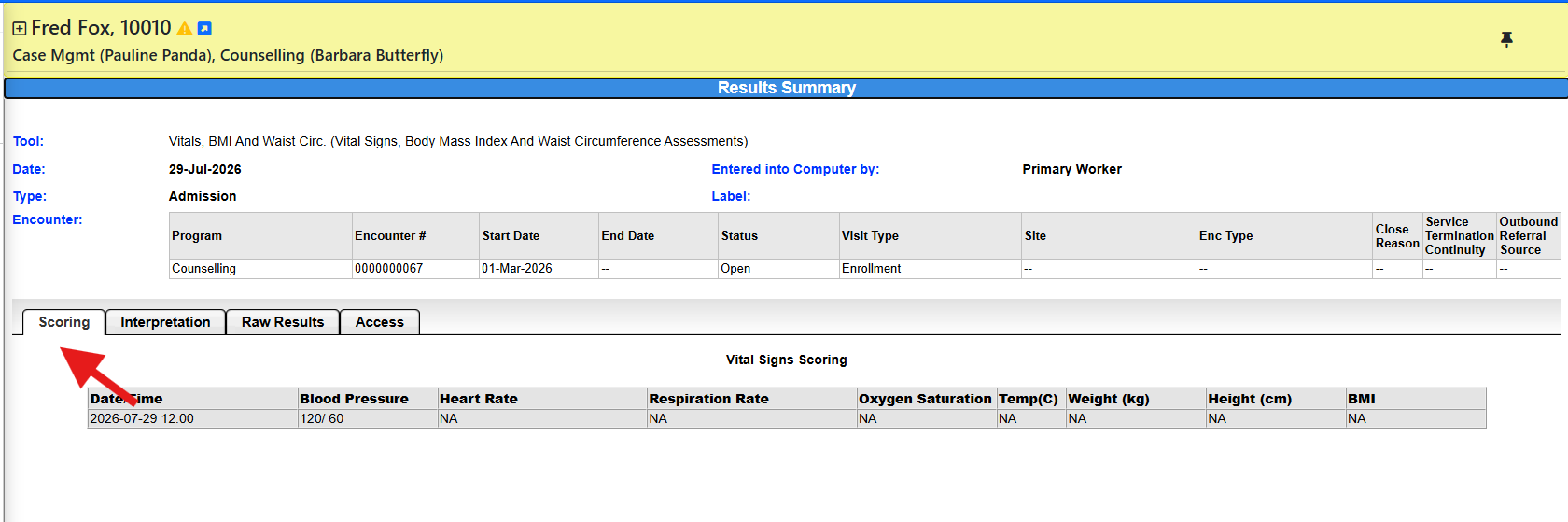
Scoring
For assessments that have scoring, the scoring information appears on the Scoring tab once the assessment is complete.
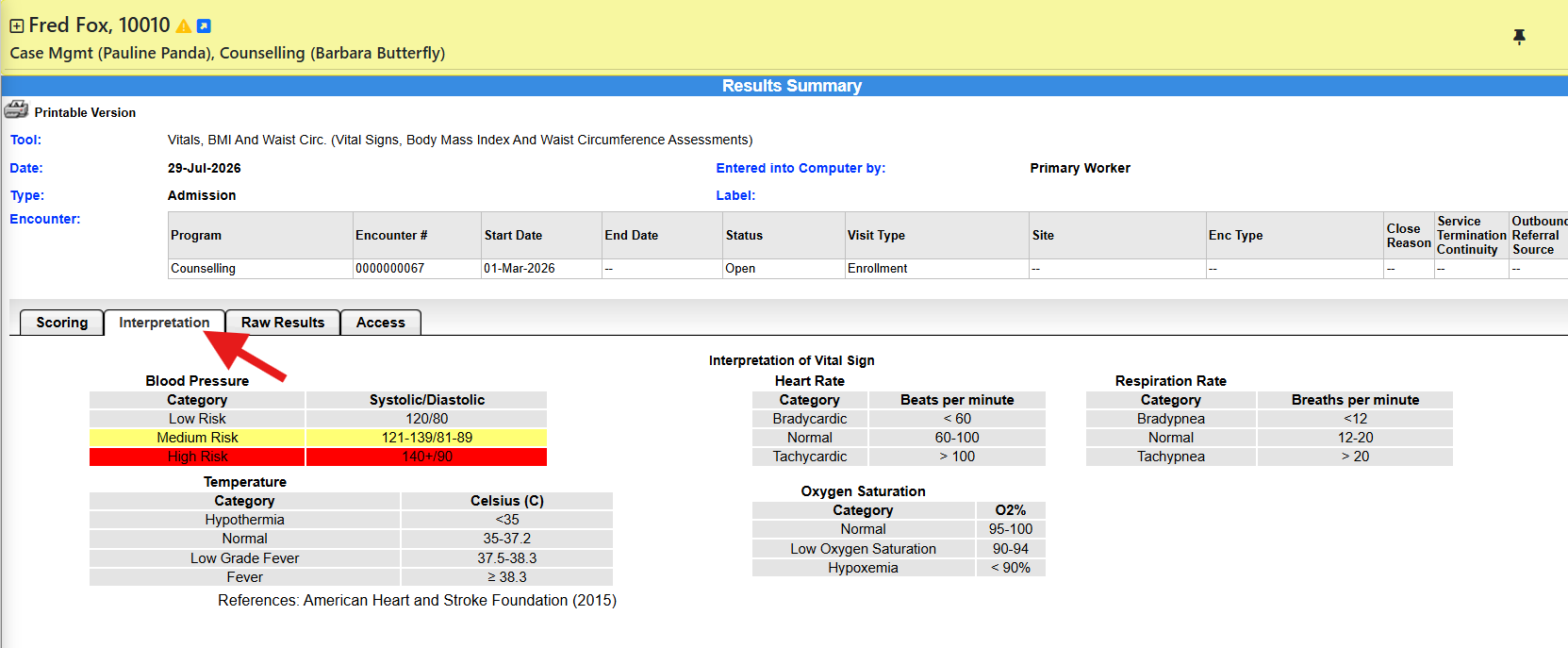
INTERPRETATION
The Interpretation section provides a summary of the assessment results, helping clinicians understand the significance of the responses, scores, or findings and supporting informed clinical decision-making.
Editing and Printing
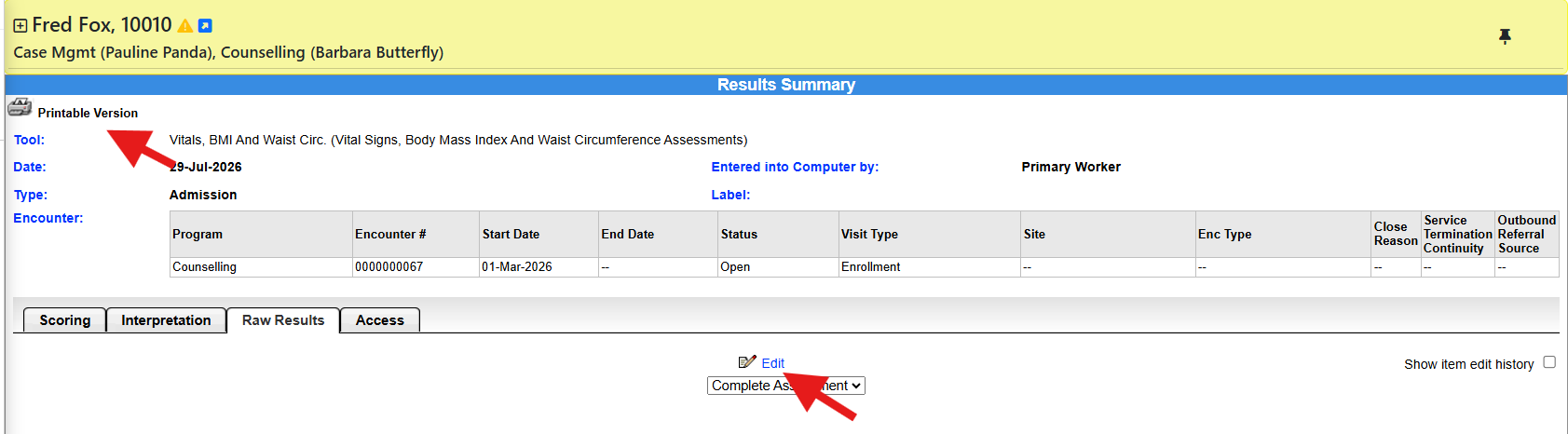
If you have permission to edit, select the EDIT link to open the completed assessment and make changes.
Some or all of the assessment can be printed to PDF.
What Completion Can Trigger
Depending on the assessment and your permissions, completing an assessment can push data to care planning, display scoring, allow e-signature, be printed, and be edited.
Viewing, Scoring, and Printing Completed Assessments - User Instructions | Author: Michael Marchese | 2026-07-17
Was this article helpful?
That’s Great!
Thank you for your feedback
Sorry! We couldn't be helpful
Thank you for your feedback
Feedback sent
We appreciate your effort and will try to fix the article