TREAT - Assessments
Assessment E-signature
Overview
E-signatures allow clients, staff, or other authorized individuals to electronically sign assessments and consent forms directly within TREAT using a mouse, signature pad, or touchscreen device.
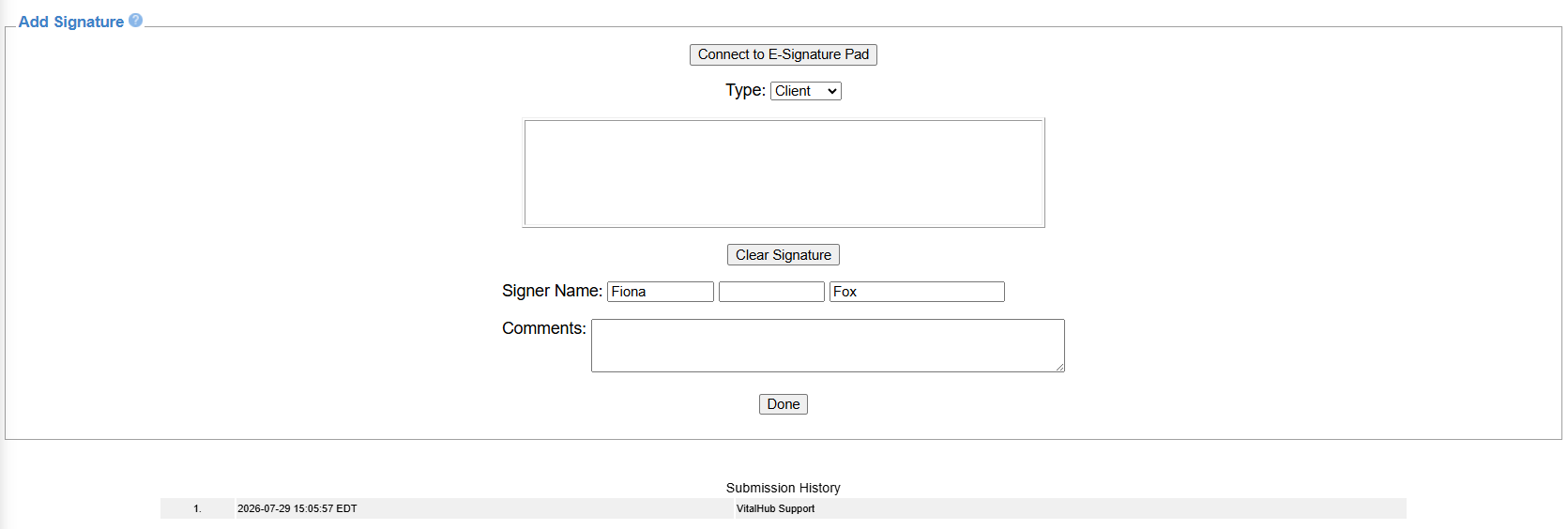
Signing a Consent
- Open the consent. It displays on the Raw Results screen.
- Scroll down to the signature fields.
- Have the client sign using the mouse, a finger, or a signing pad.
- Select DONE.
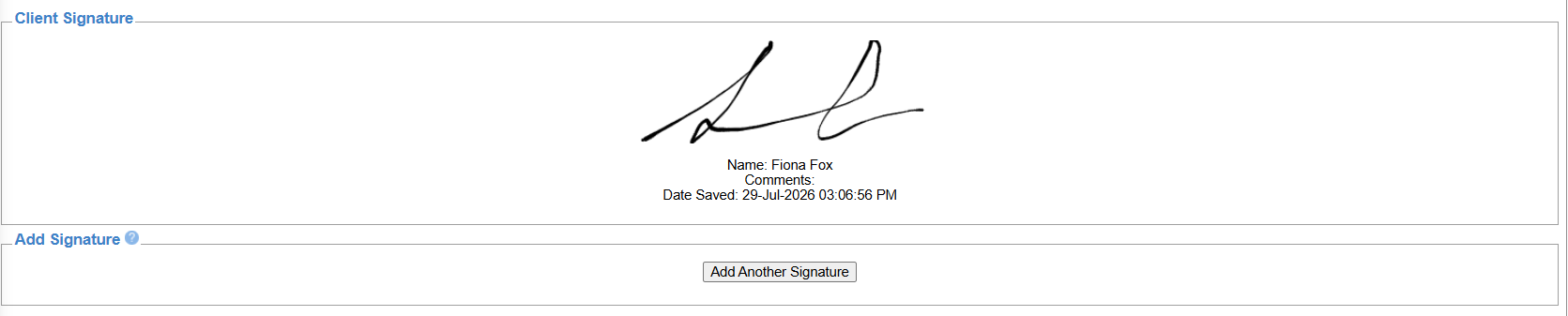
Additional Signatures and Printing
If another signature is required, such as a worker or witness, select ADD ANOTHER SIGNATURE.
If a printed copy is required, select the icon at the top of the screen to produce a PDF.
Training Video
Consents and E-signature - User Instructions | Author: Michael Marchese | 2026-07-17
Was this article helpful?
That’s Great!
Thank you for your feedback
Sorry! We couldn't be helpful
Thank you for your feedback
Feedback sent
We appreciate your effort and will try to fix the article