TREAT - Progress Notes
Co-signing a Note
Overview
Some notes require a co-signature. The author selects the co-signer when entering the note, and the co-signer is notified when the note is signed.
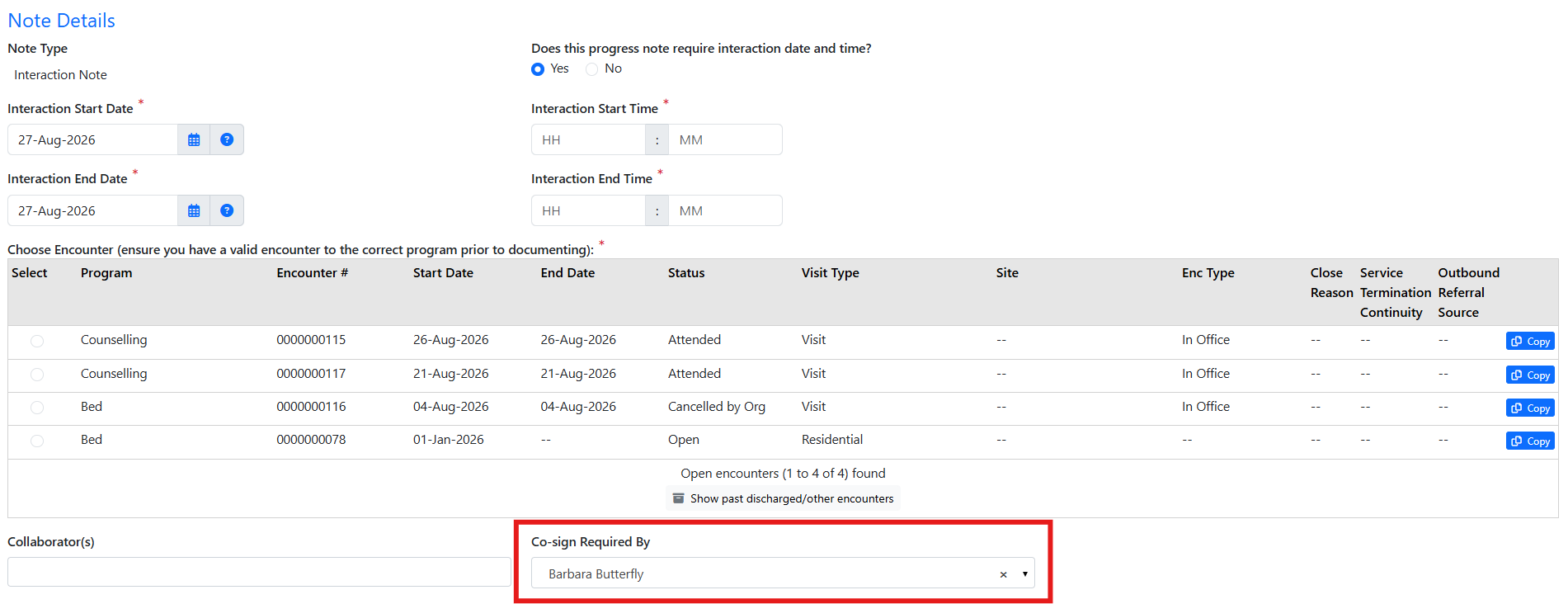
For the Author
- When entering the note, select the co-signer's name.
- Select SIGN NOTE. The note appears on the "Notes" screen as pending and a notification is sent to the co-signer.
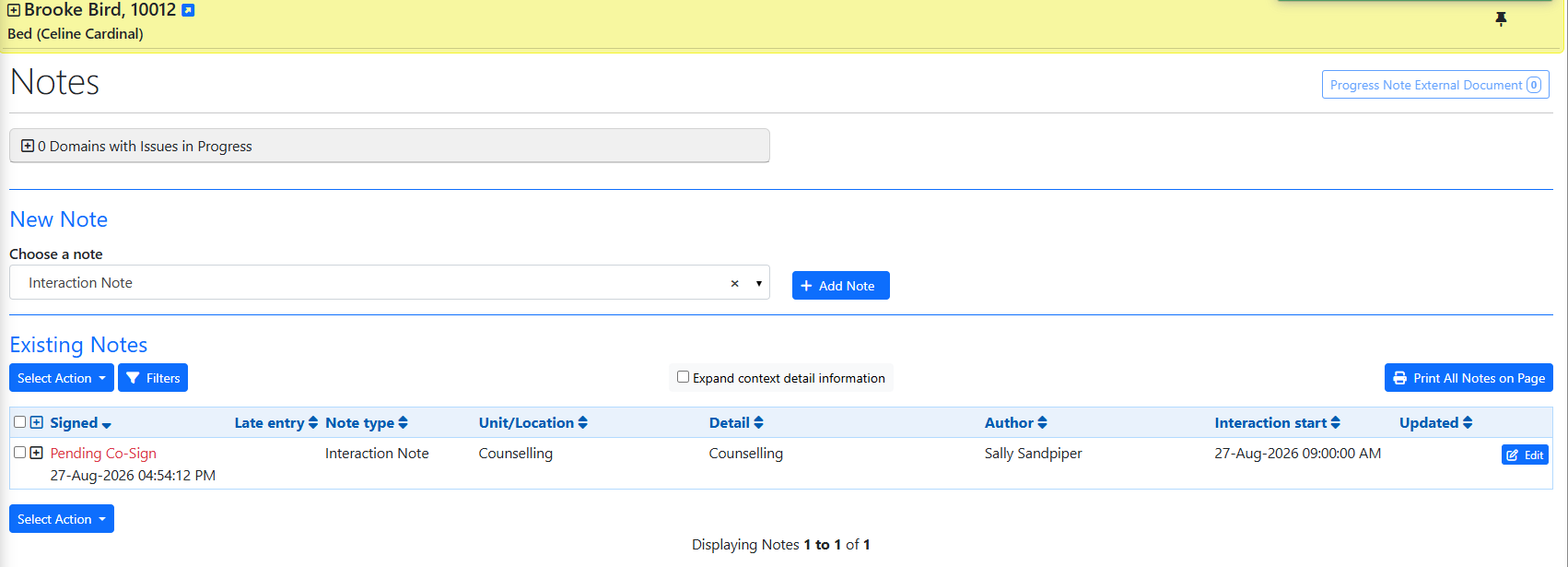
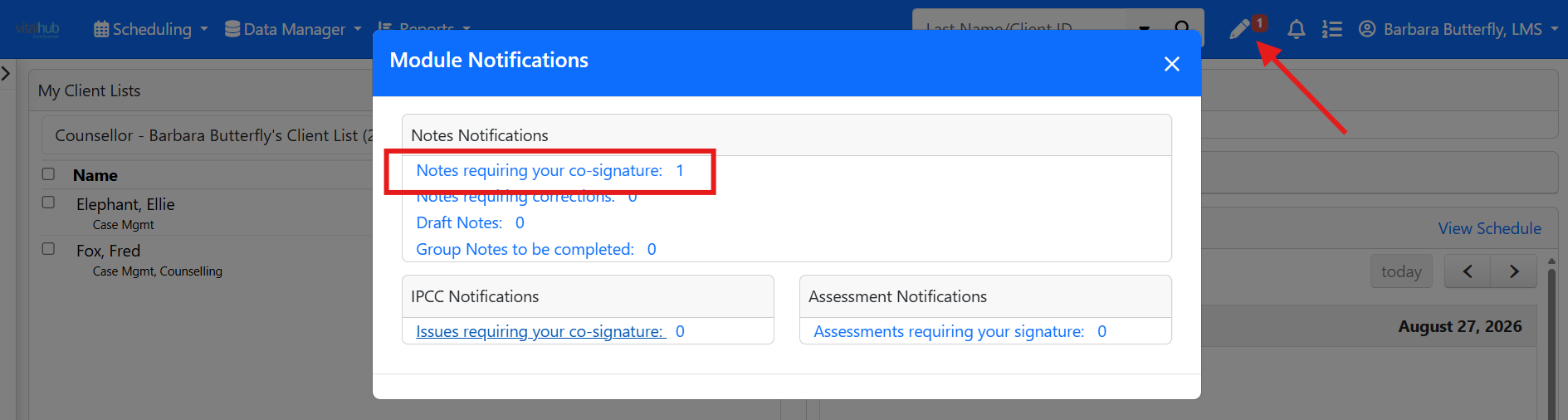
For the Co-signer
Expand the note that needs to be co-signed. From there you can:
- Co-sign the note.
- Edit and co-sign the note.
- Identify corrections required and return the note to the author.

Training Video
Co-signing a Note - User Instructions | Author: Michael Marchese | 2026-07-17
Was this article helpful?
That’s Great!
Thank you for your feedback
Sorry! We couldn't be helpful
Thank you for your feedback
Feedback sent
We appreciate your effort and will try to fix the article