TREAT - Scheduling
Editing and Cancelling Appointments
Editing an Appointment
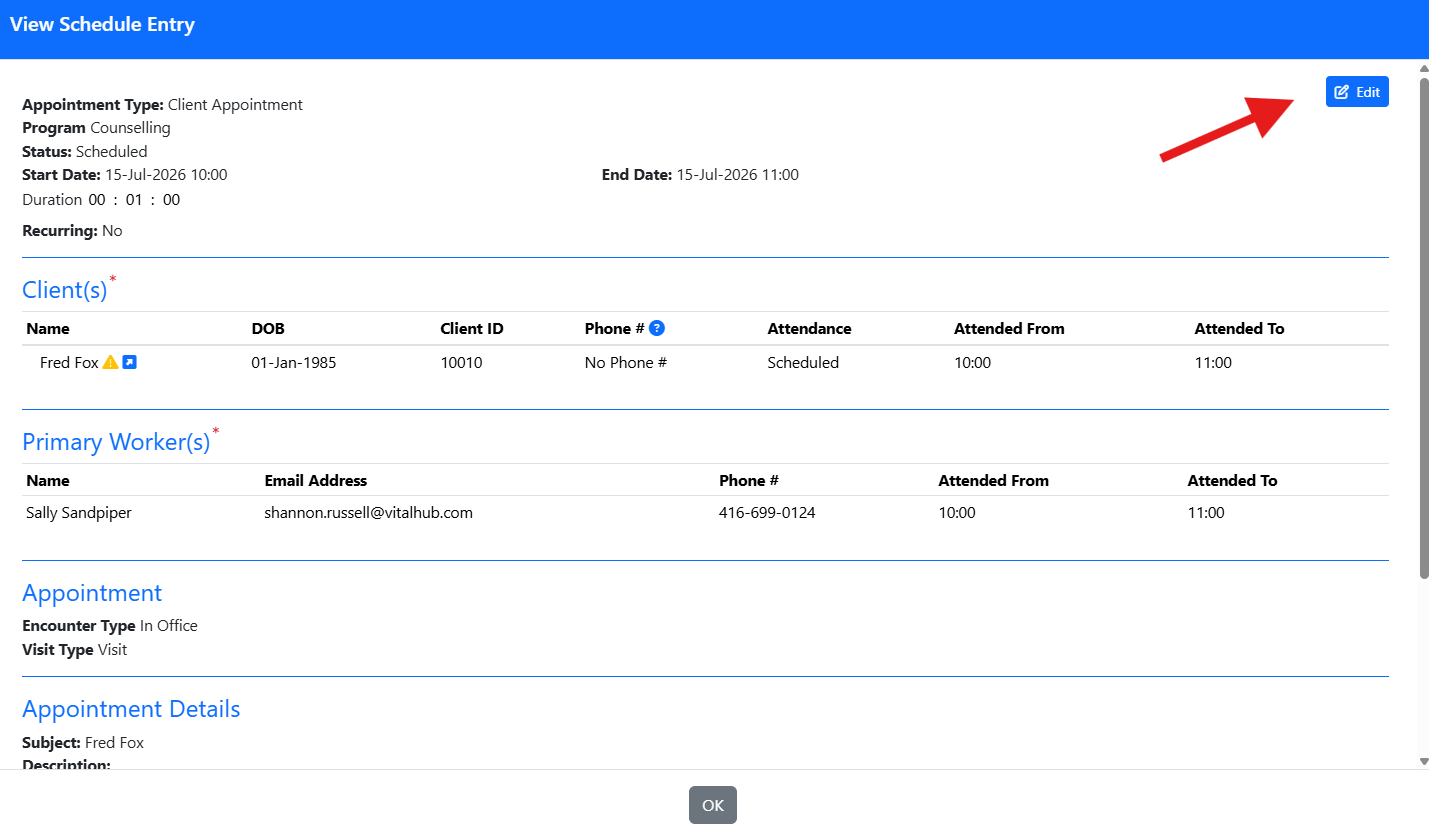
- Click the appointment in the calendar.
- Select EDIT to open the appointment details.
- The Edit Schedule Entry will display for you to make your changes and SAVE.
Cancelling a Single Appointment
| If you cancel | What happens |
|---|---|
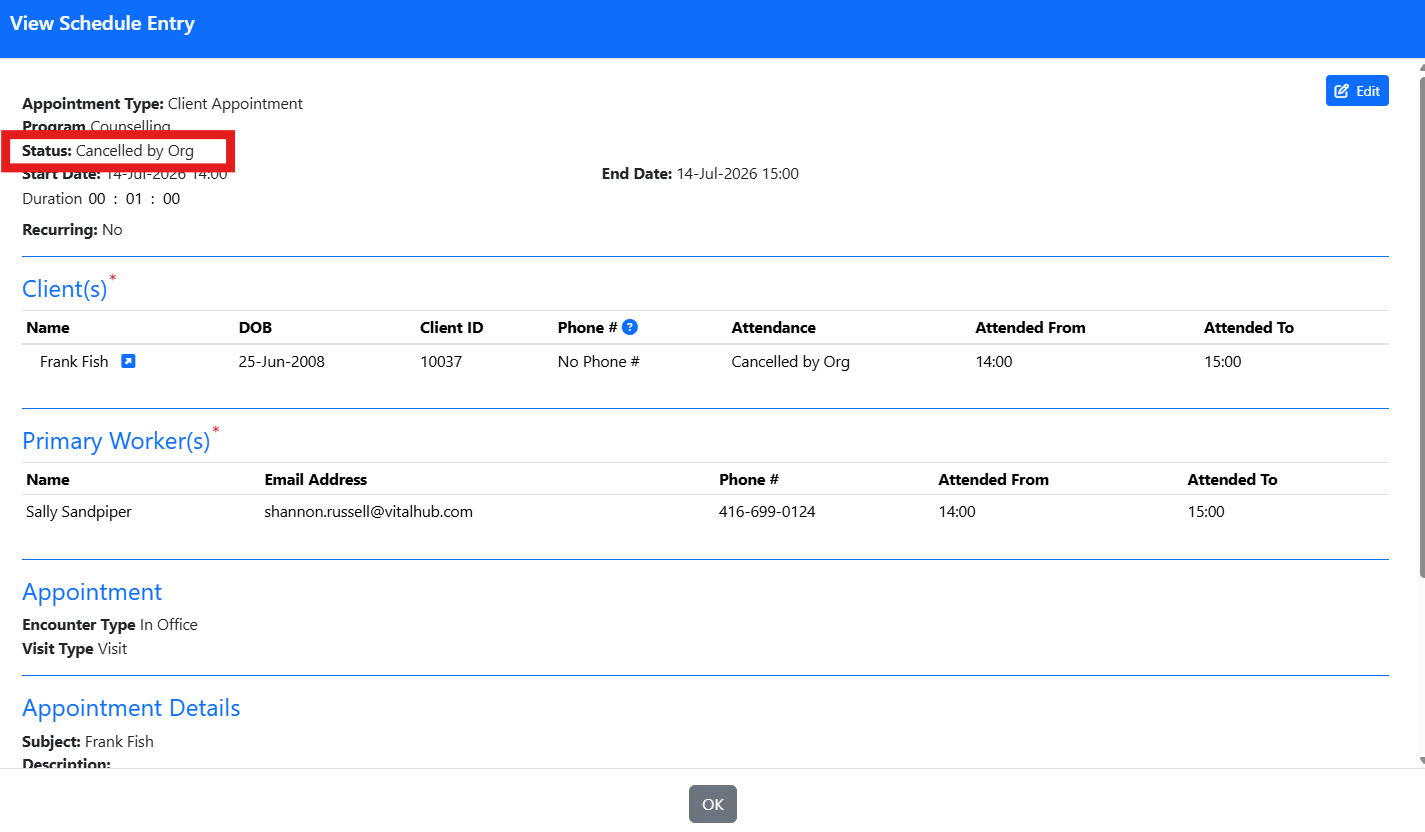
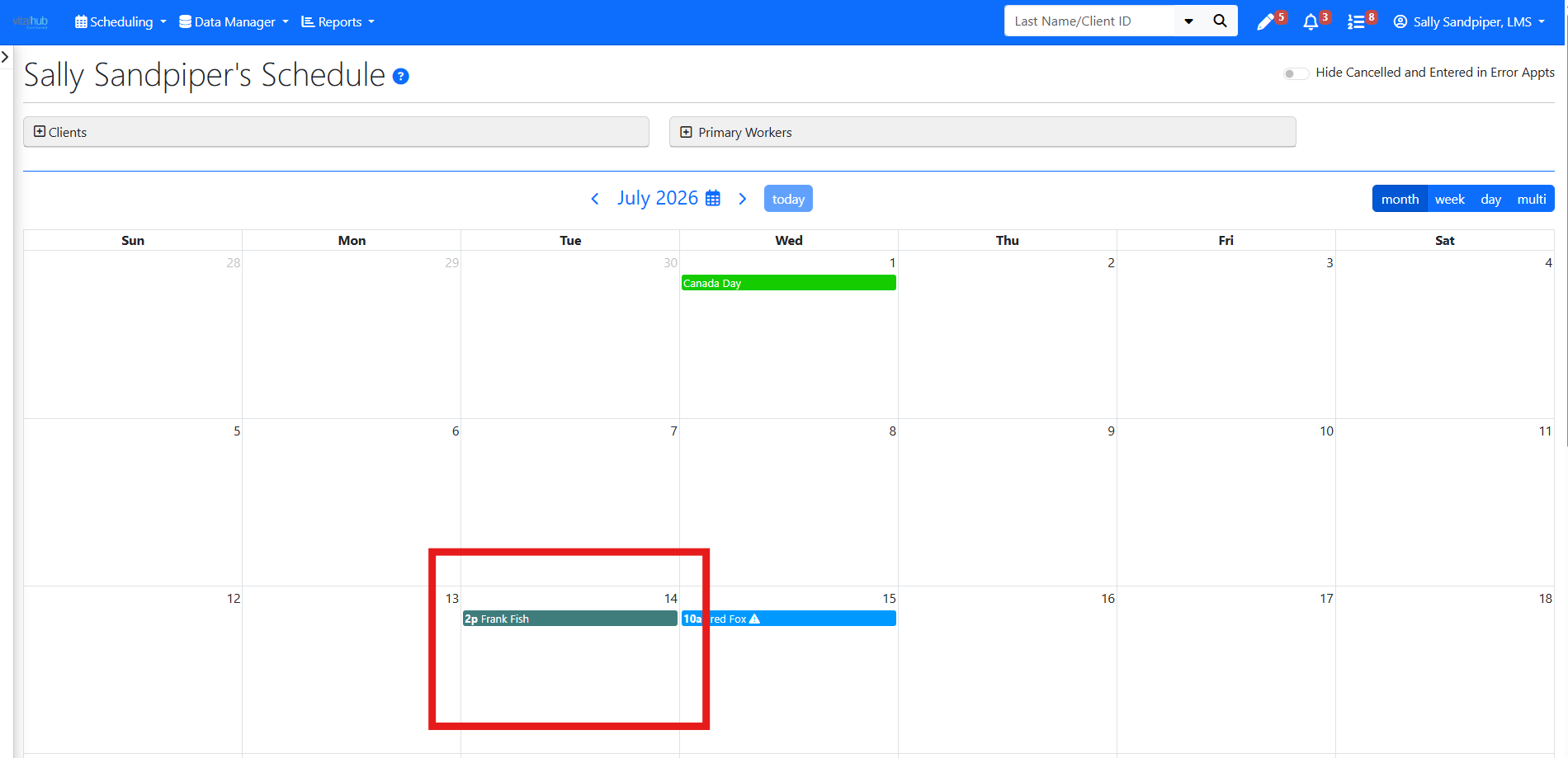
| A past appointment | The status changes to Cancelled, the calendar colour changes, and it appears as Cancelled on the Encounters screen. |
| A future appointment | The appointment is deleted from the calendar and appears as Cancelled on the Encounters screen. |
Cancelling a Recurring Series
When you cancel a series, past appointments are not automatically changed, so you can update each one individually if needed. Future appointments are removed from the calendar and shown as Cancelled on the Encounters screen.
Training Video
Editing and Cancelling Appointments - User Instructions | Author: Michael Marchese | 2026-07-17
Was this article helpful?
That’s Great!
Thank you for your feedback
Sorry! We couldn't be helpful
Thank you for your feedback
Feedback sent
We appreciate your effort and will try to fix the article