TREAT - Progress Notes
Group and Bulk Notes
Overview
A Group Note is used when the documentation needs to be personalized for each client who participated in the activity or group session. When you select Save, TREAT creates an incomplete copy of the note for each client. The worker must then review each client's note, make any client-specific updates, and sign each note individually.
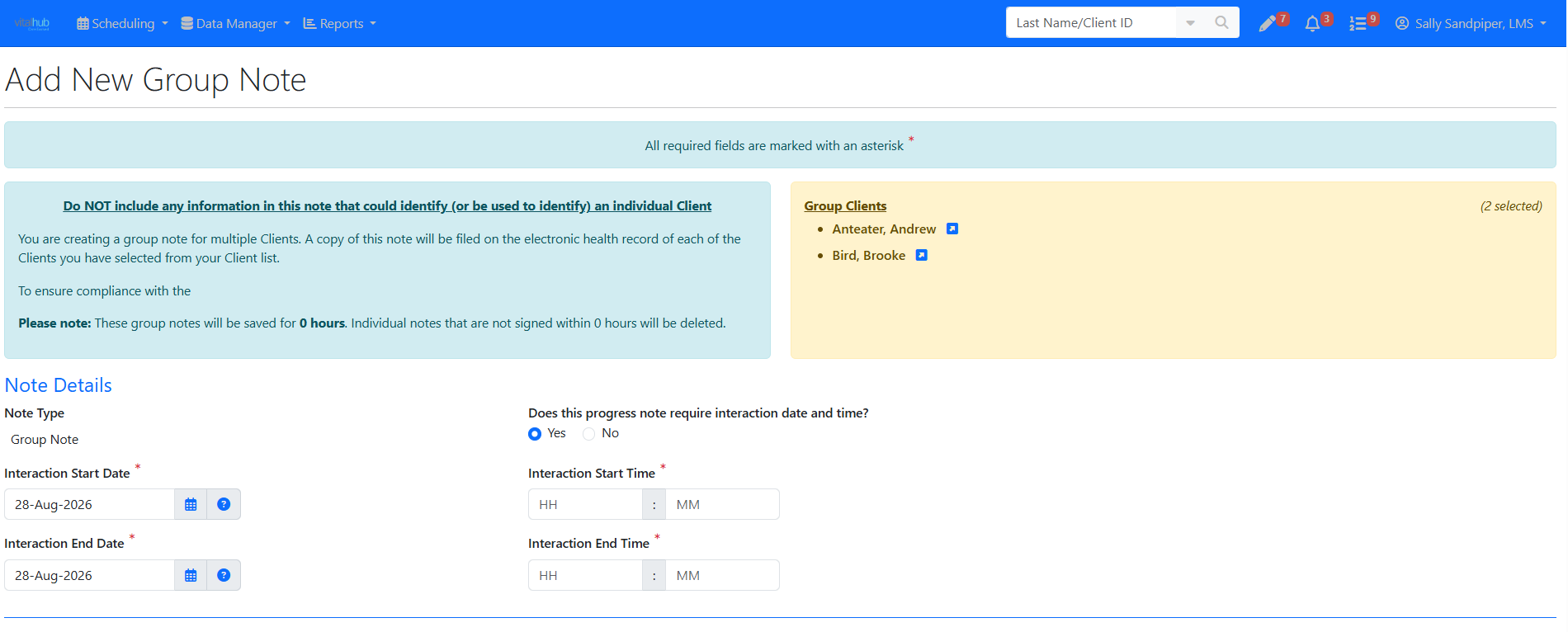
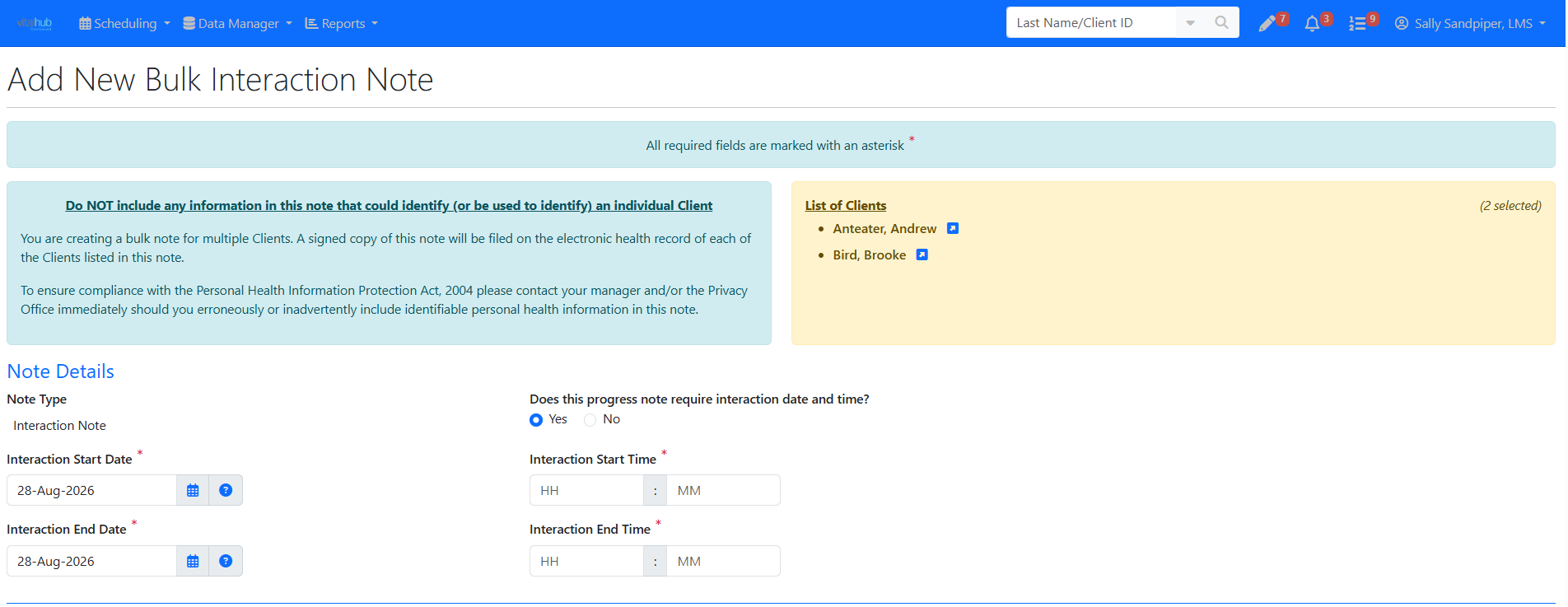
BENEFITS a Group or Bulk Note
Bulk Notes: time saving for documentation situations where the same information applies to everyone, such as attendance at an event, distribution of information, or a standardized intervention.
Training Video
Group and Bulk Notes - User Instructions | Author: Michael Marchese | 2026-07-17
Was this article helpful?
That’s Great!
Thank you for your feedback
Sorry! We couldn't be helpful
Thank you for your feedback
Feedback sent
We appreciate your effort and will try to fix the article